Gym and fitness studio · Website design by Iron Digital MI
Gym websites that help people choose their first class.
A prospective member needs more than an energetic photo. They need to understand the training, find a class they can attend, and know what the first visit involves. Iron Digital MI’s Cadence Yard concept connects those decisions across program pages, a class schedule, membership information, and a first-visit guide.
Cadence Yard is a fictional Detroit training club built by Iron Digital MI. Classes, capacities, prices, and memberships are sample data. Its booking and waitlist controls do not reserve a place, collect money, or send notifications.
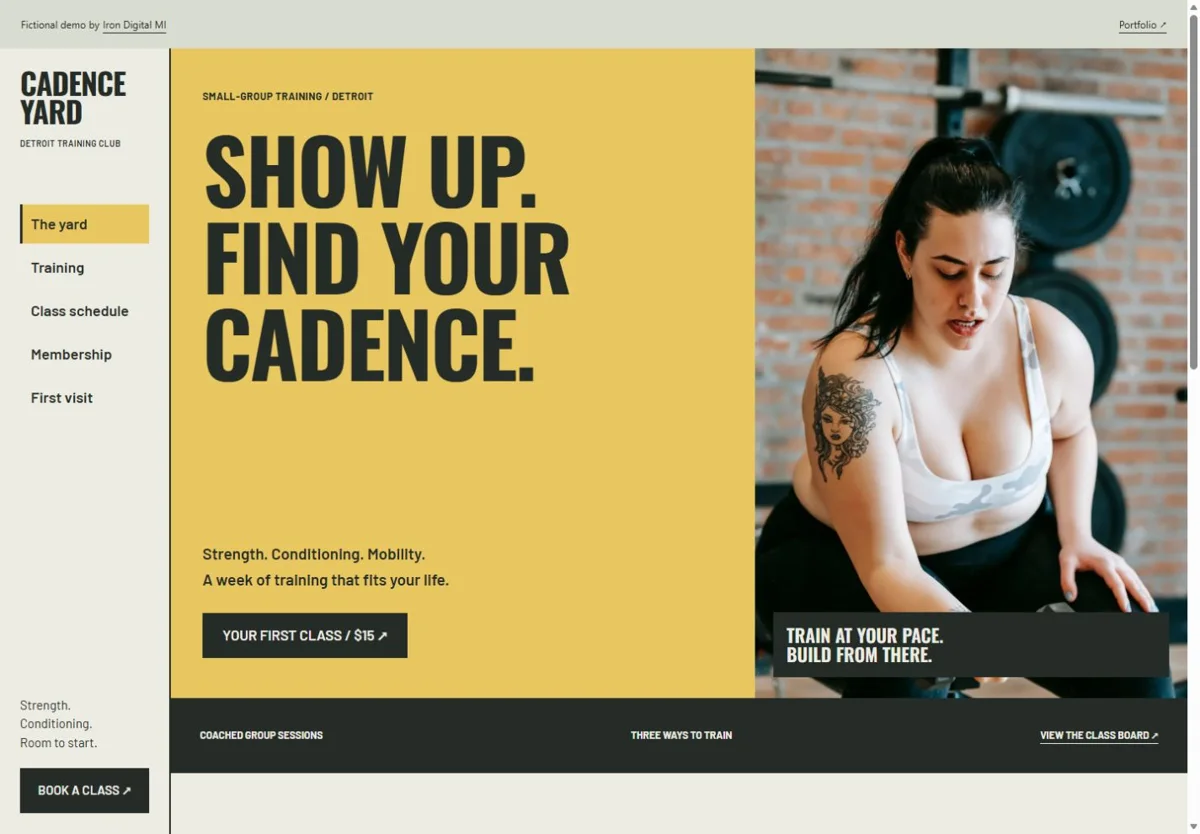
Connect the training to the class someone can attend
Explain the session before selling the plan
Strength, conditioning, and mobility have dedicated pages. The strength page describes the session, what to expect, and who is in the room, then links to booking. A first-time visitor can inspect the class before committing to a membership. For your studio, this content should describe actual coaching, equipment, intensity, and prerequisites rather than promise a specific fitness outcome.
Make the schedule usable
The class board filters by training type and day. Each result shows the start time, session length, and sample capacity. A full session has a demo waitlist action, while an available class has a booking action. Detroit time is stated next to the schedule. Those details help someone compare sessions without opening every program page or calling the front desk.
Compare costs against attendance
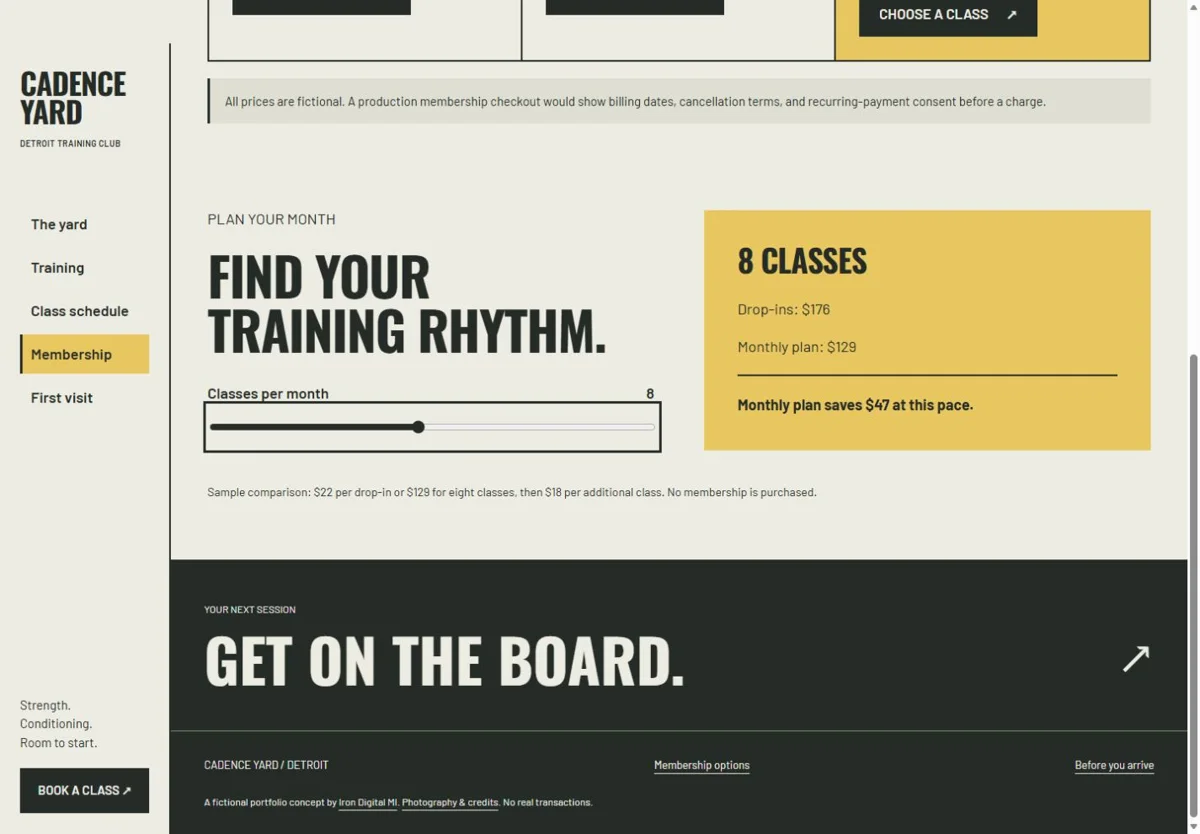
The membership page includes a sample monthly training-cost comparison. It connects the number of sessions a person expects to attend with plan options. This gives the membership discussion a concrete starting point. A real implementation must use current prices, billing periods, included visits, and cancellation terms; a calculator should never conceal those conditions behind a low monthly figure.
Try the working pages
Open a training page, filter the schedule, and try either a sample booking or a full-class waitlist. Compare the membership options and read the first-visit page to see the supporting journey around that action.
These links open a demonstration for a fictional business. Its interface is evidence of the build; it is not evidence of sales, bookings, or search rankings.
Connect the site to the way your studio runs
- Actual class descriptions, coaching photography, prerequisites, and first-visit instructions.
- A schedule connected to your booking system, including capacity, cancellations, and waitlist rules.
- Membership terms, billing details, trial offers, and clear differences between available plans.
- A confirmation and reminder process, with a way to recover from a failed booking or payment.
We first review the platform your staff uses for classes and memberships. A supported integration may be a better fit than rebuilding the scheduling system. The website can explain the programs and guide visitors into that system while keeping pricing and availability consistent.
We scope the pages, content, and integrations before quoting the work. Compare current website packages and running costs, or read about our custom website design service.
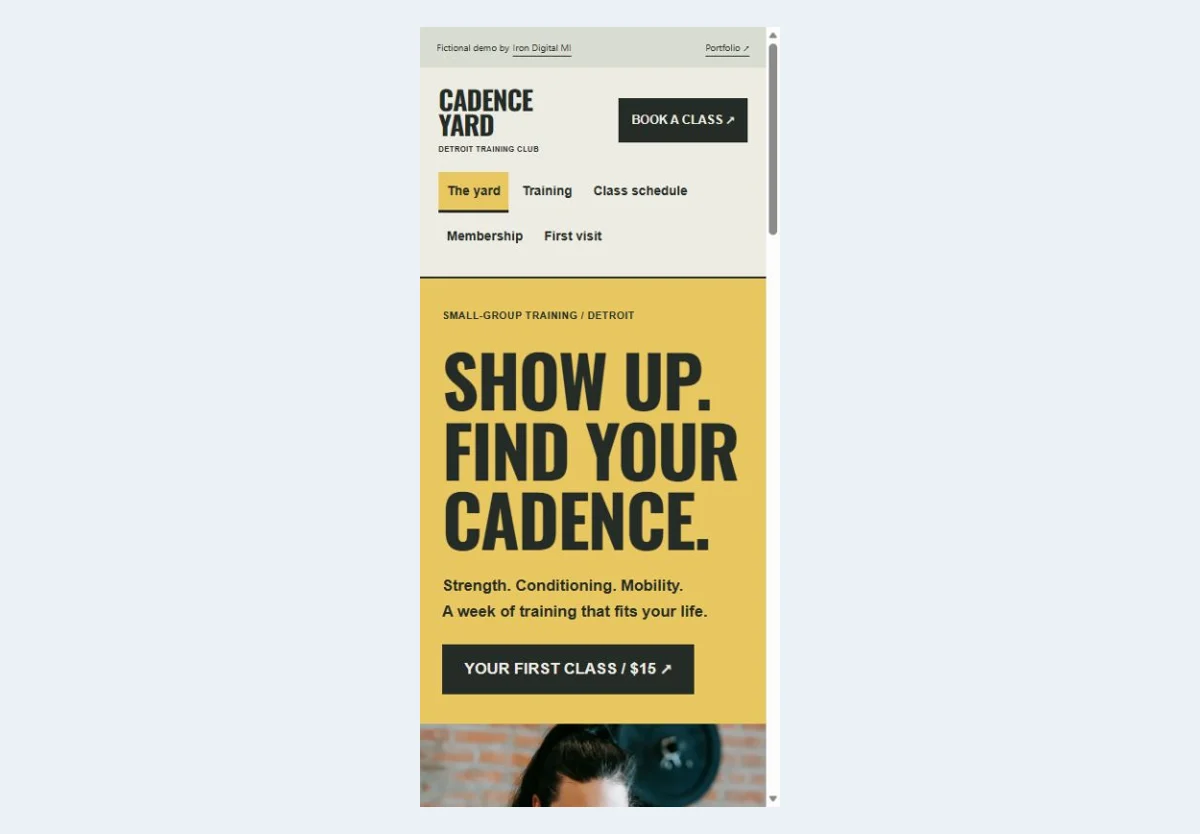
See the mobile starting point
The same main action remains available on a narrow screen. Open the live demo to explore its mobile layout and supporting pages.
Questions about your website
Can the site connect to our current class-booking platform?
We can assess the provider’s supported links, embeds, and integration options during scoping. The important requirement is that capacity and booking status have one reliable source. Share the platform and the flows your members use before we recommend an approach.
Should the homepage lead with membership or a first class?
That depends on how people actually join your studio. If most newcomers start with a trial class, make that route easy to find and explain what to expect. Membership can remain available for ready buyers and returning visitors. Cadence illustrates both paths without treating them as the same decision.