
Updated September 23, 2026 · Editorial review by Iron Digital MI
← Back to BlogIt happens every week. A business owner invests thousands of dollars in a clean, modern website redesign. The layouts look sharp, the typography is elegant, and the internal team is thrilled. Then, two weeks after launching the staging site live, the organic search traffic collapses. Lead forms sit empty, phone lines go cold, and the design agency shrugs, attributing the drop to a "temporary reindexing phase." But weeks turn into months, and those visitors never return.
This traffic cliff is almost entirely preventable. Website redesigns do not have to result in lost business or destroyed search visibility. When rankings disappear, it is rarely because Google dislikes the new look. Instead, it is because critical technical connections were severed, high-performing pages were deleted, or redirection paths were neglected. By implementing a systematic framework before, during, and after deployment, you can upgrade your digital presence while protecting the organic equity you worked years to build.
Key Takeaways
- A complete pre-launch crawl is mandatory to protect legacy assets and avoid breaking top-ranking URLs.
- Every single URL change requires a strict 1:1 redirect map to prevent 404 errors from draining your domain authority.
- Never strip text-heavy pages down to minimalist design elements without assessing keyword density and search intent.
The Pre-Launch Audit: Capturing Your Baseline
You cannot protect what you do not document. Long before drafting a single layout or coding a mock-up, you must establish an architectural inventory of your existing website. This means mapping every URL, landing page, and asset that search engine crawlers have already cataloged.
- Every live HTML URL currently indexable by search bots.
- All target keywords and search queries with their associated landing pages.
- The total number of incoming external backlinks pointing to specific inner pages.
- Existing meta titles, alt tags, and header structures.
Once this snapshot is preserved, you have a digital blueprint to measure your staging site against. Without it, you are launching in the dark, hoping Google figures out where your valuable content went.
The Redirection Map: The 1:1 Mapping Rule
The single most common failure point in any site relaunch is the omission of redirect maps. When you change the directory path of your services—such as moving from a legacy `/plumbing-repair-detroit/` structure to a clean `/services/plumbing/` directory—Google views the original page as permanently deleted. If an old page lacks a clear forwarding address, visitors and search engine bots will hit a frustrating 404 error page.
To maintain your hard-earned authority, you must deploy 301 redirects. A 301 redirect is a permanent indicator telling search engine crawlers that the content has moved to a new destination. You must create a line-by-line redirection map in a spreadsheet, placing every legacy URL in Column A and its exact matching replacement path in Column B.
Avoid the critical error of redirecting all old pages to your new homepage. When Google encounters massive redirect loops or deep service pages routed to a generic homepage, it categorizes them as soft 404s, effectively neutralizing your hard-earned ranking strength. Point every legacy asset to its closest logical sibling. Additionally, keep these redirects clean. Do not build redirect chains—where Page A routes to Page B, which then routes to Page C. Multiple hops exhaust crawl budgets and degrade user trust instantly.
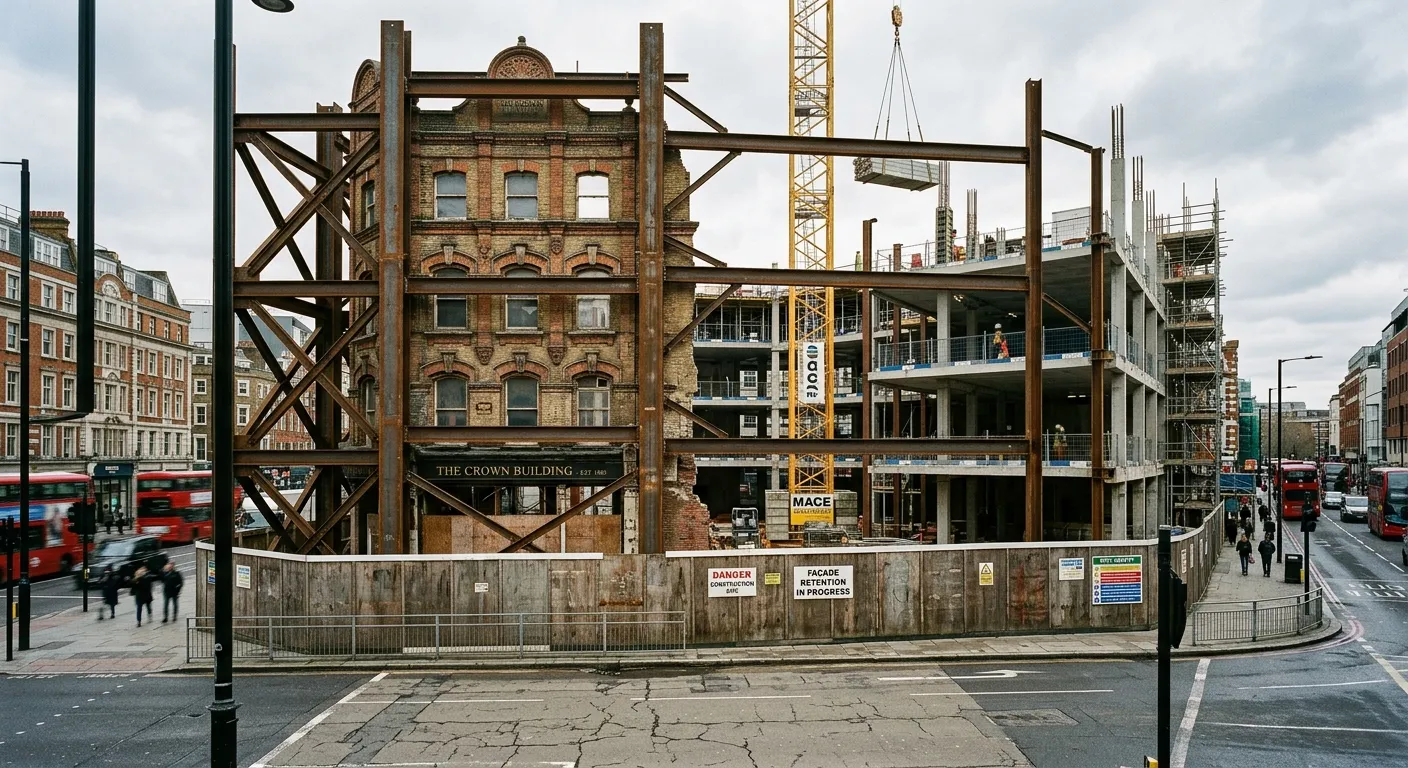
Building a 1:1 redirect map ensures search engines crawl your updated structure without hitting traffic-killing 404 errors.
Content Inventory: What to Keep, Merge, or Delete
Before deleting or modifying any page, audit your content footprint. Classify every existing page into one of three distinct actions: Keep, Merge, or Delete.
Just as we see with downtown Detroit's revitalization and what it means for local businesses, upgrading your digital storefront requires careful planning to preserve historical foundations. Retain the core text of your top-performing pages, merging redundant posts to create authoritative guides, and removing only dead assets that hold zero search equity.
| Action | Criteria | SEO Best Practice |
|---|---|---|
| Keep | High organic traffic, active backlink profile, ranking for target keywords. | Retain the URL structure and keep at least 90% of the original text content intact. |
| Merge | Thin content pages or duplicate topics cannibalizing each other. | Consolidate the value into one master guide, 301 redirect old paths to the master URL. |
| Delete | Outdated product lines, expired event notices, zero organic traffic. | Remove the page and return a 410 (Gone) status or 301 redirect to the most relevant category. |
Technical Preservation: Metadata, Hierarchy, and Speed
Keep your header structures identical. If your old page successfully ranks with an <h1> containing specific regional keywords, do not replace it with a generalized heading. If you are targeting specific pockets of the region, as outlined in our analysis of how Detroit's neighborhoods are the next digital frontier, your localized content footprints must remain structurally consistent across platforms.
"A clean design helps turn clicks into customers, but Google's indexing system doesn't rank based on style. It reads code hierarchy, loading speeds, and structural schema."
Furthermore, prioritize speed above all else during the build. Core Web Vitals are a confirmed Google ranking signal as part of the page experience update (Source: Google Search Central, 2021). Beautiful designs loaded down with uncompressed background video files, bloated third-party JavaScript scripts, and complex animation libraries will experience severe page delays. Ensure your development team optimizes images, implements lazy-loading scripts, compresses style sheets, and tests the staging environment using tools like Lighthouse before final deployment.
Post-Launch Monitoring: Distinguishing a Wobble from a Crash
Once you push your new website live, it is normal to experience mild, temporary rank fluctuations. As Google's crawlers catalog your updated layouts, process your redirection maps, and evaluate updated code bases, search metrics may shift for a short period of seven to ten days.
However, you must distinguish this normal wobble from a severe structural crash. Use Google Search Console to monitor performance indicators during the critical three weeks post-launch:
- Crawl Status Audits: Watch for any unexpected spikes in server error codes or indexed anomalies.
- Verification of Redirect Execution: Use automated server headers checkers to ensure all old URLs are returning correct 301 status codes.
- Sitemap Re-submissions: Submit your updated XML sitemap to prompt immediate crawler exploration of the new layout.
- Internal Navigation Integrity: Scan for dead links or broken pathways inside your own menus.
If your traffic metrics show a sustained downward spiral beyond 21 days alongside a steady climb in crawl warnings, you have an structural design error that requires immediate engineering remediation.
Frequently Asked Questions
Will a new website design automatically hurt my Google rankings?
No, a redesign only hurts rankings if you delete high-performing content, change URL paths without setting up 301 redirects, or introduce technical performance issues like slow page speeds.
How long does it take for search rankings to stabilize after a redesign?
Rankings typically stabilize within two to three weeks of launch. During this time, Google crawls the new structural changes, processes the redirects, and re-evaluates the page indexing.
Do I really need to redirect every single page from my old website?
Yes, every live URL on your legacy website must be mapped and redirected to its closest equivalent on the new site to prevent search crawl errors and preserve authority.
How do I check if my website redesign has broken links?
You can check for broken links by monitoring the Crawl Errors report in Google Search Console, or by running a comprehensive crawl using technical SEO tools like Screaming Frog.
Upgrading your website and need to preserve your current Google rankings?
We build fast, secure digital infrastructure that modernizes your online presence without breaking the search engine positions you already own.
Start a ProjectReady to put this into practice? Visit our custom web development page to see how we work.



