Updated September 23, 2026 · Editorial review by Iron Digital MI
← Back to BlogEvery single prospect who visits your website is looking for a reason to click away. They might need a commercial roof repair in Dearborn or a custom home build in Birmingham, but their primary psychological driver is fear. They fear hiring a contractor who does shoddy work, gets injured on the job, or takes their deposit and vanishes. They are silently asking: Are you legal, are you covered, and can I hold you accountable?
Most Michigan contracting, trade, and commercial service websites make these prospects dig through pages of marketing fluff to find the proof. Even worse, many companies bury their state license number, liability insurance limits, and bond details in the absolute bottom of a generic page footer. This is a massive conversion leak. Your regulatory compliance is not a legal burden to be hidden—it is a competitive asset waiting to be deployed.
Key Takeaways
- Your Michigan license number (LARA) should reside above the fold, providing immediate reassurance when a prospect first evaluates your digital storefront.
- Never use unparsed images for trust badges; utilize raw text to allow search engines to crawl and index your official business credentials.
- Establish a dedicated "Trust & Compliance" page to detail specific insurance caps, bonding limits, and direct verification options for commercial buyers.
The Underutilized Psychological Value of Compliance
Local businesses often treat their state-issued credentials like utility bills: necessary expenses they would rather not think about. In Michigan, however, where the Department of Licensing and Regulatory Affairs (LARA) oversees residential builders, electrical contractors, and mechanical installers, these license numbers carry immense weight. They prove you have passed background checks, completed required education, and are operating under legal state oversight.
When a prospect lands on your homepage, their brain makes a lightning-fast evaluation. This initial check is more visceral than logical. If they cannot quickly verify that you are a legitimate business, they will leave your site and click on a competitor who displays their credentials proudly.
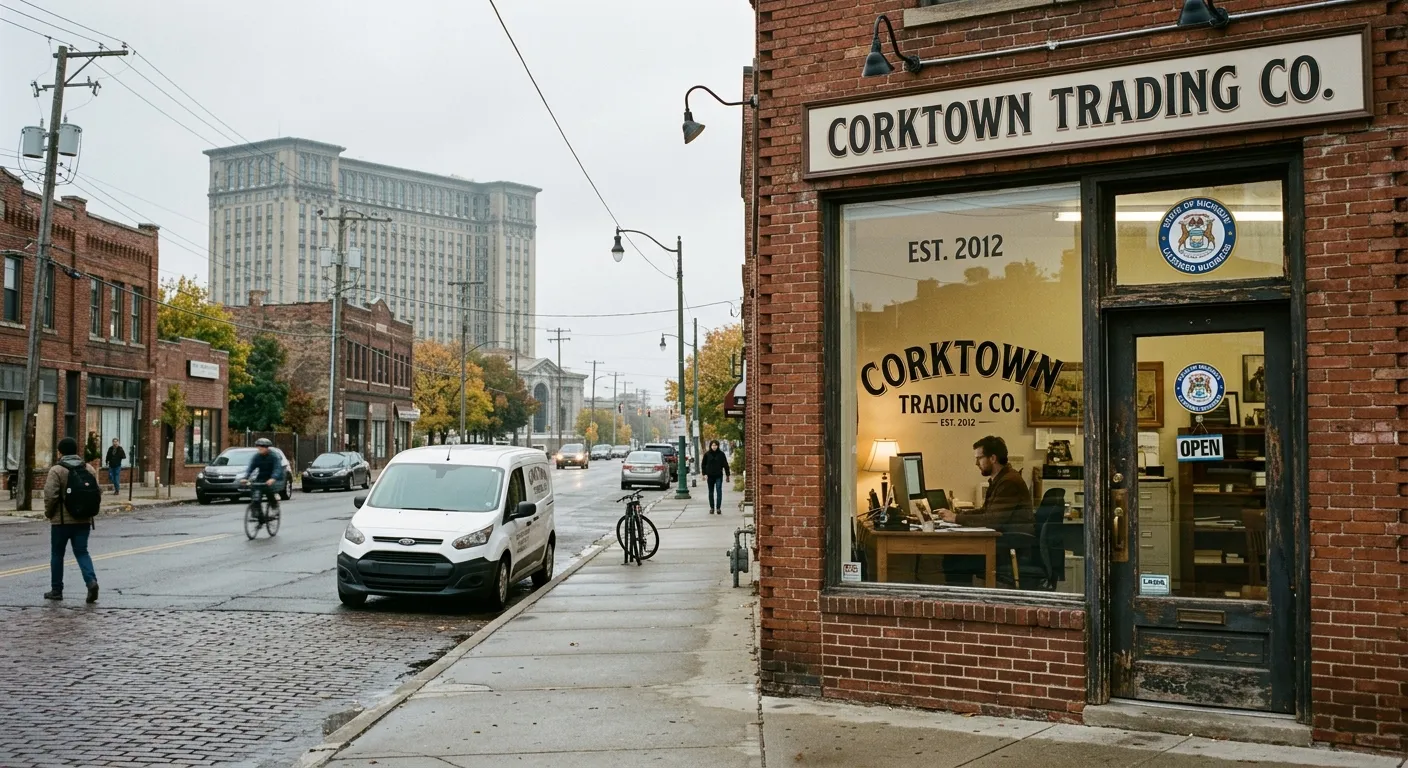
Review the message in the context where people will see it. A storefront display needs readable type, appropriate contrast and enough time to understand the offer; website studies do not establish a universal viewing-time threshold for pedestrians.
A license number is more than a legal compliance requirement. It is an immediate trust signal. By prioritizing this information in your visual hierarchy, you instantly differentiate your firm from the unregistered "tailgate contractors" operating off social media marketplaces.
Where to Place Trust Signals for Maximum Human Impact
Do not relegate your credentials exclusively to a tiny font at the bottom of your website. Instead, scatter them across key user touchpoints to reinforce authority at every stage of the decision-making process. The most effective websites utilize a multi-zone placement strategy that targets different stages of user interest.
To capture attention and build authority, implement these core layout strategies:
- The Top Utility Bar: Place your main license number directly above your main navigation menu in a thin, clean bar. A simple text string like "Michigan Licensed Residential Builder: #2101XXXXXX" establishes instant legitimacy.
- The Primary Hero Section: Alongside your main call-to-action button, include a small, high-contrast block that reads: "Fully Insured, Bonded & Licensed in the State of Michigan."
- The Lead Conversion Form: Right next to or below your contact form, remind the user of their safety. A subtext note stating "We protect your property with $2,000,000 in general liability insurance" drastically reduces form abandonment.
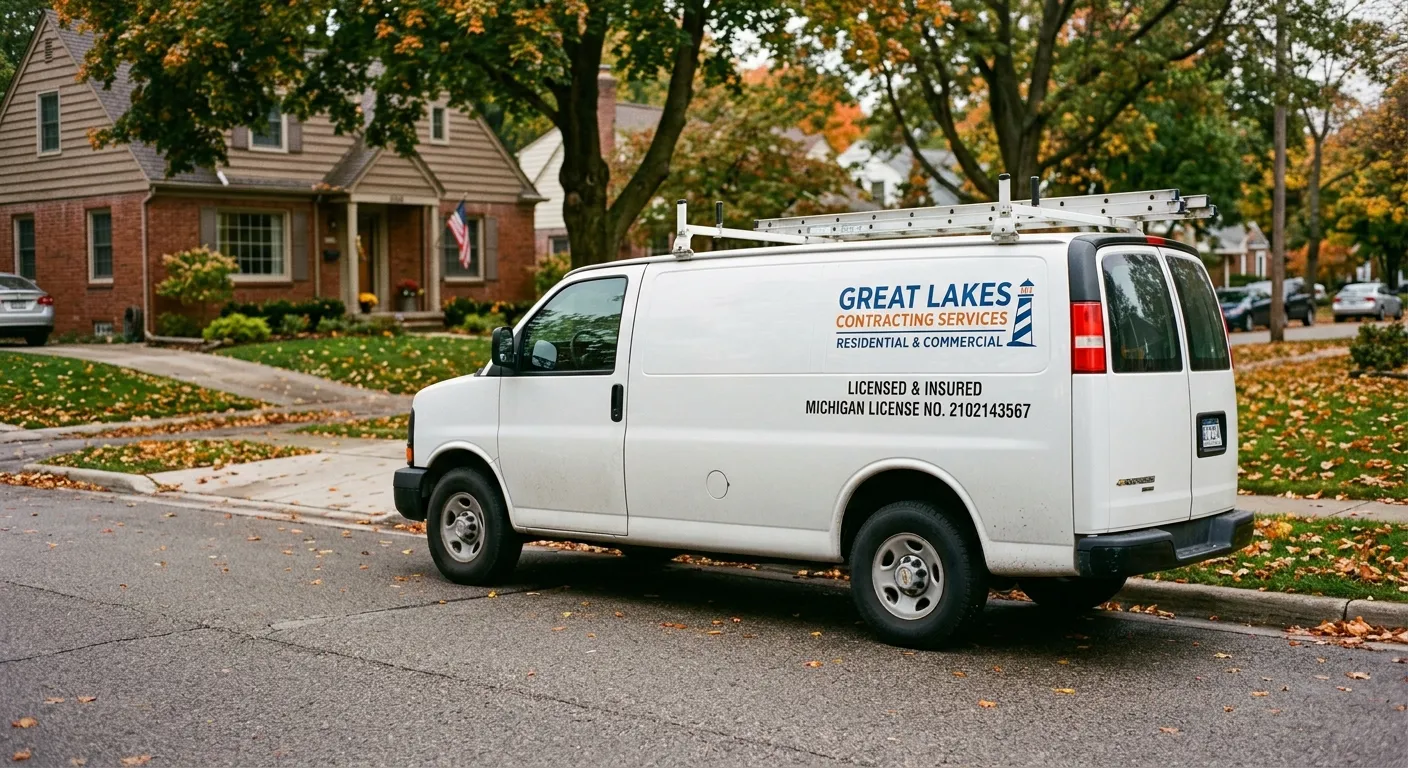
High-impact placement of licensing numbers, surety bond limits, and liability caps converts skeptical visitors into qualified leads.
The Technical Blueprint: Making Credentials Machine-Readable
While humans look at visual badges, search engines look at code. If you upload your licensing seals or insurance certificates as flat JPEG or PNG images, Google's crawling bots cannot read the details. This is a massive missed opportunity for your local SEO profile. Search engines are constantly trying to verify that the businesses they display in the local map pack are active, legitimate entities.
Google cross-references the details on your website with public databases. If you write out your license details in clean, crawlable HTML text, you help the search algorithms confirm your business entity's validity.
Furthermore, this validation is highly critical when expanding your service footprint across various Detroit neighborhoods where trust and localized authority directly drive your search engine visibility. If Google can confirm you are licensed to operate in Michigan, it can display your business for high-intent searches with greater confidence.
A Comparative Look at Credential Placement Strategies
To maximize the performance of your website, you must balance user conversion metrics with structural search visibility. Different regions of your site serve distinct purposes in your overall digital strategy.
| Placement Zone | User Conversion Impact | SEO & Crawling Value |
|---|---|---|
| Header / Utility Bar | Extremely High. Establishes credibility in the first 50 milliseconds of site loading. | Moderate. Reinforces core keywords and entity markers across every site page. |
| Dedicated Compliance Page | High. Essential for commercial buyers performing rigorous pre-contract vetting. | Very High. Provides a focused page for detailed local schema markup and LARA linking. |
| Footer Placement Only | Low. Often missed by active users who scan only the upper portion of a web page. | Low to Moderate. Standard but fails to signal prominent relevance to search engine bots. |
Designing the Ultimate "Trust & Verification" Page
Instead of scattering single-sentence disclaimers across your site, build a dedicated, high-authority landing page focused entirely on your operational safety and legal compliance. This page can be titled "Licensing, Insurance & Bonds" or "Our Compliance Standards."
This page should serve as a comprehensive trust database for your prospective clients, especially commercial building managers, municipal buyers, and high-end residential customers who require extensive proof of coverage before issuing a request for proposal (RFP).
Your dedicated compliance page should contain the following elements:
- Verify via LARA Link: Display your full license number in large, readable text. Provide a direct, outbound link to the official LARA license lookup page so customers can verify your active status with one click.
- Insurance Breakdown: Explicitly state your coverage limits. Detail your Commercial General Liability, Umbrella liability policies, and Workers' Compensation coverage.
- Surety Bond Status: State your bonding limit, the surety company backing you, and your bond number if applicable. This is crucial for landing municipal and commercial jobs.
- Safety Certifications: Highlight additional training certifications, such as OSHA 10/30 cards, EPA Lead-Safe Certifications, or local municipal certifications.
By compiling all your regulatory and safety data into a single hub, you make it incredibly easy for commercial clients to approve your business. When aligning these credibility signals with modern layouts, our team at Iron Digital focuses on clean, high-performance architectures through our specialized web design services.
How Search Engines Use Your Licensing to Prove Identity
Google's local search algorithm places a heavy emphasis on trust and security. In local search ecosystems, Google must determine which businesses are legitimate and which are fake listings designed to manipulate search rankings. It relies on a process called entity verification.
When Google crawls your website, it extracts structural data. It parses your business name, physical address, phone number, and license details. It then cross-references this with external registries, such as state business filings, local chamber of commerce directories, and LARA lists. The more matching data points Google finds, the more confident its algorithm becomes in your business's existence and authority. This directly improves your performance in local organic search results.
How to Display Insurance Details Safely Without Inviting Fraud
A common concern among business owners is security. "If I put my insurance policy numbers and license details on my website, won't bad actors steal them and pose as my business?" This is a valid concern, but there are simple ways to display compliance safely without exposing your business to unnecessary risk.
First, never post a high-resolution, unredacted scan of your actual insurance Certificate of Liability Insurance (COI) or your state license paper document. These documents can be easily downloaded, edited using basic image software, and used fraudulently by unlicensed operators.
Instead, write out the details in plain text on your website, but omit highly sensitive account codes if needed. For example, you can write: "General Liability Insured by Liberty Mutual up to $2,000,000. Policy verification available instantly upon request." Offer a clean, automated form on your Trust page where a client can request an official COI, which your insurance agent can then email directly to them. This maintains absolute security while satisfying the client's need for verified proof.
Action Steps: Update Your Site Today
You can begin upgrading your website's trust signals immediately. First, review your current layout and identify where your license numbers are located. If they are buried in the footer, bring them up to the header utility bar. Second, ensure all licensing numbers are written out as raw, indexable HTML text rather than embedded in graphic elements or images.
Next, write a short paragraph near your contact form emphasizing your active liability insurance and workers' comp. Finally, consider creating a dedicated verification page that details your full licensing profile, safety certifications, and insurance limits. Taking these small steps will turn your regulatory compliance into a powerful, passive conversion machine that builds lasting authority with your target audience.
Frequently Asked Questions
Do I need to list my Michigan builder's license number on my website?
Yes. Michigan's Occupational Code requires licensed residential builders and maintenance contractors to include their license number on all advertising, which legally encompasses your website. Displaying it clearly also protects you from compliance penalties while signaling to customers and search engines that you are a legitimate entity.
How do I show my commercial general liability insurance on my site without risking fraud?
Never upload raw, unredacted PDFs of your insurance certificates, as bad actors can copy them. Instead, state your coverage limits, write down your insurer's name and policy number, and offer to have your insurance agency email an official Certificate of Insurance (COI) directly to prospective clients.
Will displaying my LARA license number help my local SEO rankings in Detroit?
Yes, indirectly. Google uses crawlers to cross-reference business details with structured databases like LARA. Listing your raw text license number and formatting your name, address, and phone number exactly as they appear on your state registration establishes trust, helping Google verify your business authority.
Where is the best place to put our surety bond information to attract commercial bids?
To attract commercial bids, display your bonding capacity in two primary locations. First, place a high-level summary in your website's header or hero section, and second, create a dedicated 'Trust and Compliance' page detailing your exact bonding limit, surety company, and licensing history.
Need to optimize your business's online authority and trust signals?
From strategic credential integration to robust local SEO systems, we build custom sites that turn skeptical searchers into profitable clients.
Start a ProjectReady to see what is possible? Visit our web design page to learn how we work.



