
Updated September 23, 2026 · Editorial review by Iron Digital MI
← Back to BlogIn Michigan, winter does not arrive politely. It lands with a single, sudden pressure drop that sends temperatures from a mild forty degrees down to a brutal single digit overnight. When that first hard freeze hits Wayne, Oakland, or Macomb county, residential and commercial infrastructure breaks. Furnaces fail. Water pipes in crawlspaces freeze and rupture. Car batteries die in driveway drift lines. For local home services and trade businesses—plumbers, HVAC technicians, towing operators, and emergency locksmiths—this transition is not a seasonal ramp-up; it is a tactical scramble. At 2:00 AM on a freezing January Tuesday, a homeowner with two inches of water rising in their basement is not shopping. They are panicking. If your website takes five seconds to load, requires them to navigate a multi-step form, or buries your emergency phone number behind a "Contact Us" page, they will bounce instantly to the competitor who made calling them effortless. Preparing your site for this winter rush must happen before the first frost, not while your phone lines are already jammed.
Key Takeaways
- Speed determines survival: shoring up mobile site speeds before sub-zero temperatures arrive preserves search rankings and stops panicked searchers from bouncing.
- A clear, friction-free calling path on mobile is non-negotiable for emergency midnight dispatches when phones ring off the hook.
- Dedicated service-specific landing pages and dynamic reservation flows prevent customer service backlogs and automate lead capture during peak weather alerts.
The Urgent Economics of Cold-Weather Page Speed
When temperatures plunge, search behavior shifts from research-oriented queries to immediate, highly transactional intent. A user looking for "furnace repair Detroit" in October might spend twenty minutes reading about energy efficiency ratings, duct cleaning services, and long-term financing options. The same user searching at midnight in December because their heat went out wants one thing: an immediate arrival time. They are freezing, their family is cold, and their tolerance for digital delays is zero.
"A trade site that converts during a freeze isn't built on slick graphics or complex interactive animations; it is built on speed, clear emergency actions, and bulletproof local visibility that meets the searcher exactly where their panic is."
Structuring a Clear, Friction-Free Emergency Calling Path
When emergency calls surge, your phone path must be completely clear of operational chokepoints. Trade websites often make the mistake of treating the phone number like an afterthought, placing it in a standard, tiny font in the top-right corner of the desktop header. On mobile devices, this often renders as an un-clickable graphic element or a microscopic text string that is impossible to tap with cold fingers.
To handle winter emergencies, your site must feature a persistent, sticky mobile call banner. This banner should anchor to the bottom of the user's viewport as they scroll through your pages, presenting a single, high-contrast button that reads "Call Emergency Dispatch Now." This button must remain visible regardless of which landing page or blog post the user lands on from local search results.
Ensure that every instance of your phone number uses the proper HTML protocol schema:
<a href="tel:+13133071426" class="emergency-phone-btn">
  Call Now: (313) 307-1426
</a>
This allows mobile browsers to launch the native phone dialer with a single tap. Do not force users to highlight, copy, and paste your number. Additionally, implement call-tracking infrastructure that routes calls based on operational capacity. If your primary dispatch line in Sterling Heights is busy, the site's primary phone numbers should dynamically route to a backup answering service or an on-call manager's mobile device. Your digital presence must adapt to your physical capacity in real time.
Emergency Intent vs. Standard Intent Content
Many home service business owners build their websites to highlight long-term installations, showcase beautiful bathroom remodels, or post extensive team biographies. While this works well for summer and fall lead generation, it actively works against you during a freeze. You need dedicated emergency landing pages optimized specifically for search queries like "burst pipe emergency plumber" or "no heat furnace repair."
Your content must reflect localized winter concerns. A home in the historic Boston-Edison neighborhood of Detroit has radically different plumbing and radiator challenges during a deep freeze than a newly constructed subdivision in Novi. Just as tailoring a business's regional identity requires careful physical-to-digital alignment—similar to how companies must approach digital growth across specific submarkets, which we analyzed in our article on Detroit's neighborhood digital landscape—your service pages must speak directly to these specific residential layouts. Customize your localized emergency pages with details about older boiler systems, historic water lines, and typical insulation challenges found in older Michigan homes.
| Feature Focus | Standard Intent Page (Off-Season) | Emergency Intent Page (Winter Surge) |
|---|---|---|
| Primary Call to Action | Detailed multi-field estimate request form for planning upgrades | One-tap click-to-call mobile button for instant dispatch |
| Core Content Focus | Product options, seasonal promotions, brand comparisons | Immediate response windows, clear service areas, flat emergency rates |
| Navigation Design | Full multi-tier navigation menu with photo galleries and reviews | Stripped-down header focusing purely on immediate emergency contact |
Hardening the Booking Flow and Implementing Smart Routing
When emergency volume hits, your administrative team will get overwhelmed. If your booking flow is purely manual—relying on a staff member to read emails, cross-reference technician calendars, and call the customer back—your dispatch pipeline will seize up. To survive the cold season, integrate a real-time booking flow that syncs directly with your field service management software (such as ServiceTitan or Housecall Pro). This ensures that open slots are populated instantly based on active technician locations across Southeast Michigan.
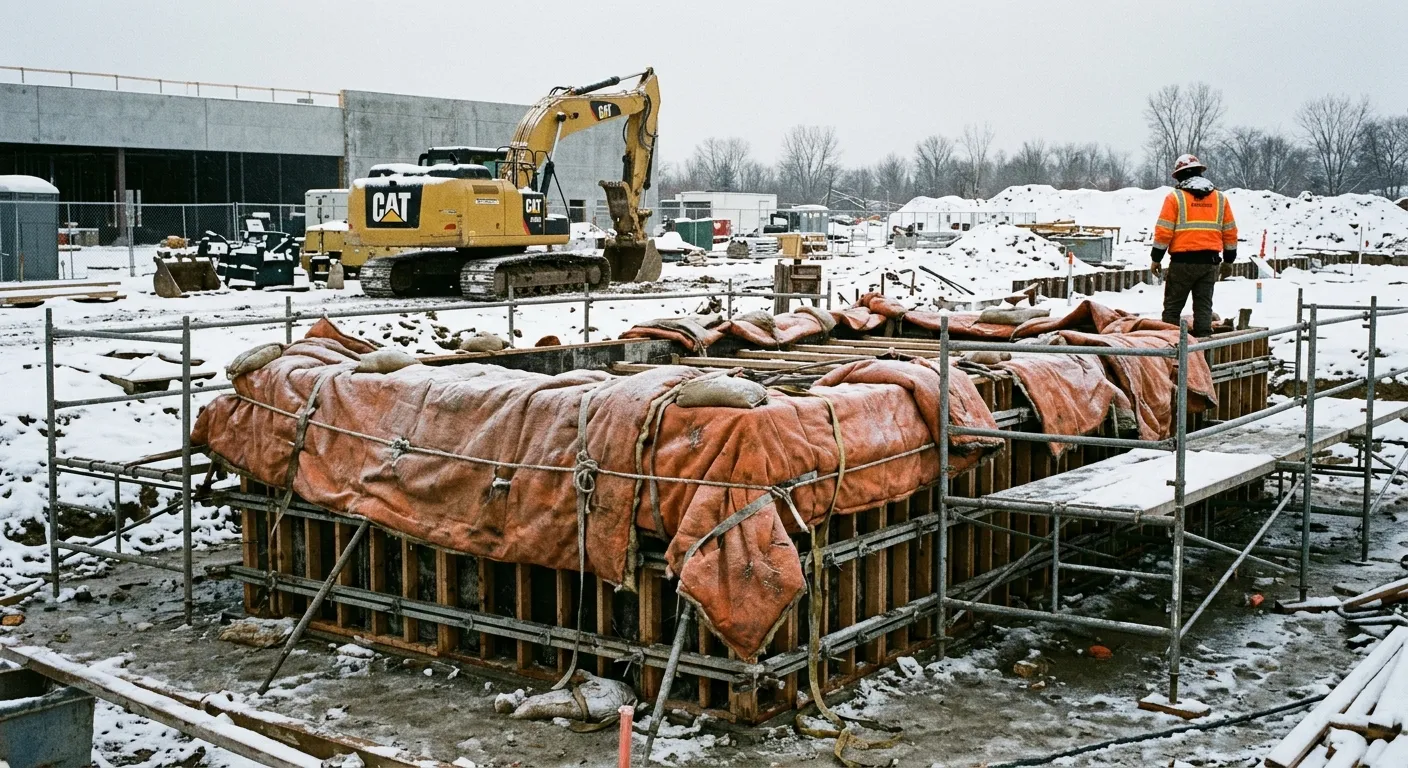
During peak freeze events, a high-converting emergency page routes furnace and pipe repair dispatch to technicians in real time, avoiding manual call chokepoints.
Do not let customers book standard, non-emergency maintenance slots during a weather crisis. When a deep freeze occurs, configure your booking system to automatically prioritize critical service calls. Implement these essential steps to optimize your winter booking path:
- Implement Dynamic Booking Rules: Block out routine maintenance, filter swaps, or cosmetic plumbing upgrades during sub-zero forecasts to keep dispatch windows completely clear for active freeze emergencies.
- Set Up Automated SMS Status Alerts: When a client books an emergency slot online, instantly text them a confirmation, a live tracker link for their assigned technician, and immediate steps they can take to minimize damage (such as how to shut off their main water line).
- Leverage Live Chat Alternatives: Include a lightweight, automated chat widget that can pre-qualify emergency leads before routing them to the on-call phone line, preventing low-priority inquiries from clogging up dispatch.
- Display Real-Time Dispatch Availability: Showing a live indicator like "Next technician available in Troy within 90 minutes" builds immediate trust and encourages users to lock in bookings immediately.
Local SEO Adjustments Before the First Freeze
To avoid losing these highly lucrative leads, take the following steps to secure your local search presence before winter sets in:
- Verify Your NAP Consistency: Ensure that your Business Name, Address, and Phone Number (NAP) are completely identical across Google, Yelp, Bing, and industry directories.
- Update Your Winter Hours: If you transition to a 24/7 emergency dispatch model during freeze warnings, state that clearly in your Google Business Profile description and adjust your hours settings.
- Pre-Write Weather Update Posts: Prepare short updates regarding winter safety, frozen pipe prevention, and immediate heating troubleshooting. When the storm hits, you can publish these in seconds, signaling to Google that your business is active.
- Add Emergency Attributes: Log into your Google Business Profile dashboard and select attributes like "Emergency Services" and "Onsite Services" to match specific, urgent search parameters.
While digital adjustments might seem straightforward compared to physical operations, managing real-time physical dispatch requires a strong operational foundation. Just as local firms must organize their physical and digital setups carefully to avoid costly operational errors, which we highlighted in our discussion on managing distributed teams from Detroit, your digital front-end must match your physical dispatch limits exactly. This alignment prevents false bookings, missed dispatches, and the brand-damaging reviews that follow.
Frequently Asked Questions
How do I stop my plumbing site from getting spammed with non-emergency calls during a freeze?
Implement smart filtering on your booking forms and pre-qualify leads with automated SMS or chat interfaces. Explicitly state on your contact page that non-emergency bookings are temporarily paused to prioritize active pipe-burst and no-heat emergencies.
What is the fastest way to improve my Detroit trade site's mobile load speed before winter?
Compress all service-related images, eliminate complex animation scripts, and enable aggressive browser caching. Stripping out unnecessary third-party tracking scripts can shave off seconds of loading time, preventing emergency visitors from bouncing to competitors.
Should I create separate landing pages for every Metro Detroit suburb I service?
Yes, creating targeted landing pages for high-volume suburbs like Warren, Livonia, and Royal Oak captures localized search intent. Customize the content of each page to address localized issues, such as specific housing styles or municipal water system quirks in those suburbs.
How can I automate my booking system so my team isn't overwhelmed on cold nights?
Integrate your site directly with field service software like ServiceTitan to allow self-service booking for active emergency slots. This automatically schedules the dispatch when a customer inputs their details, freeing your phone operators to handle high-complexity escalations.
Ready to secure your trades business website before the winter rush?
From custom speed optimization to bulletproof localized search pages, we build high-converting websites and integrations for Michigan tradesmen.
Start a ProjectReady to put this into practice? Visit our custom web development page to see how we work.



